


About Us
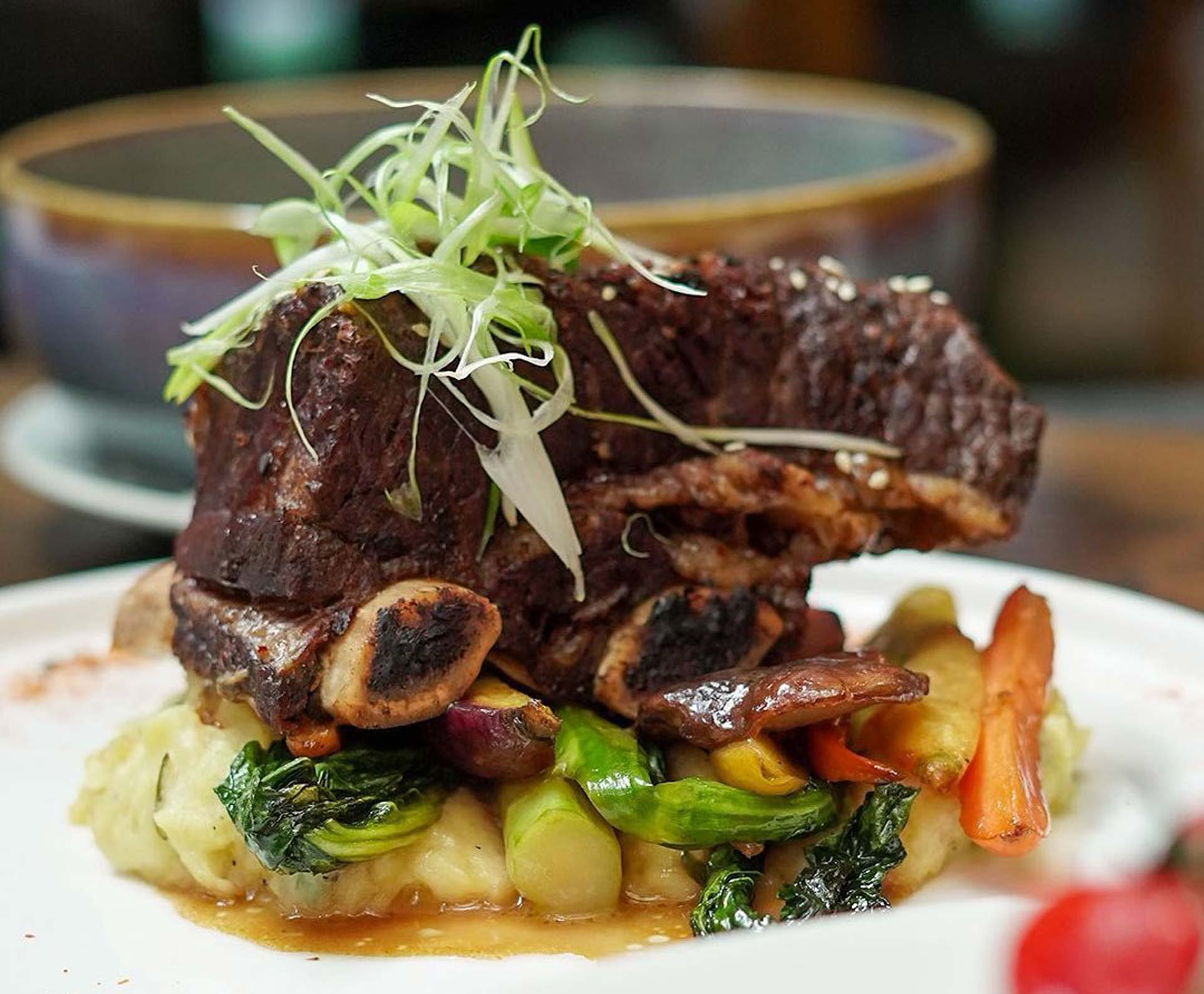
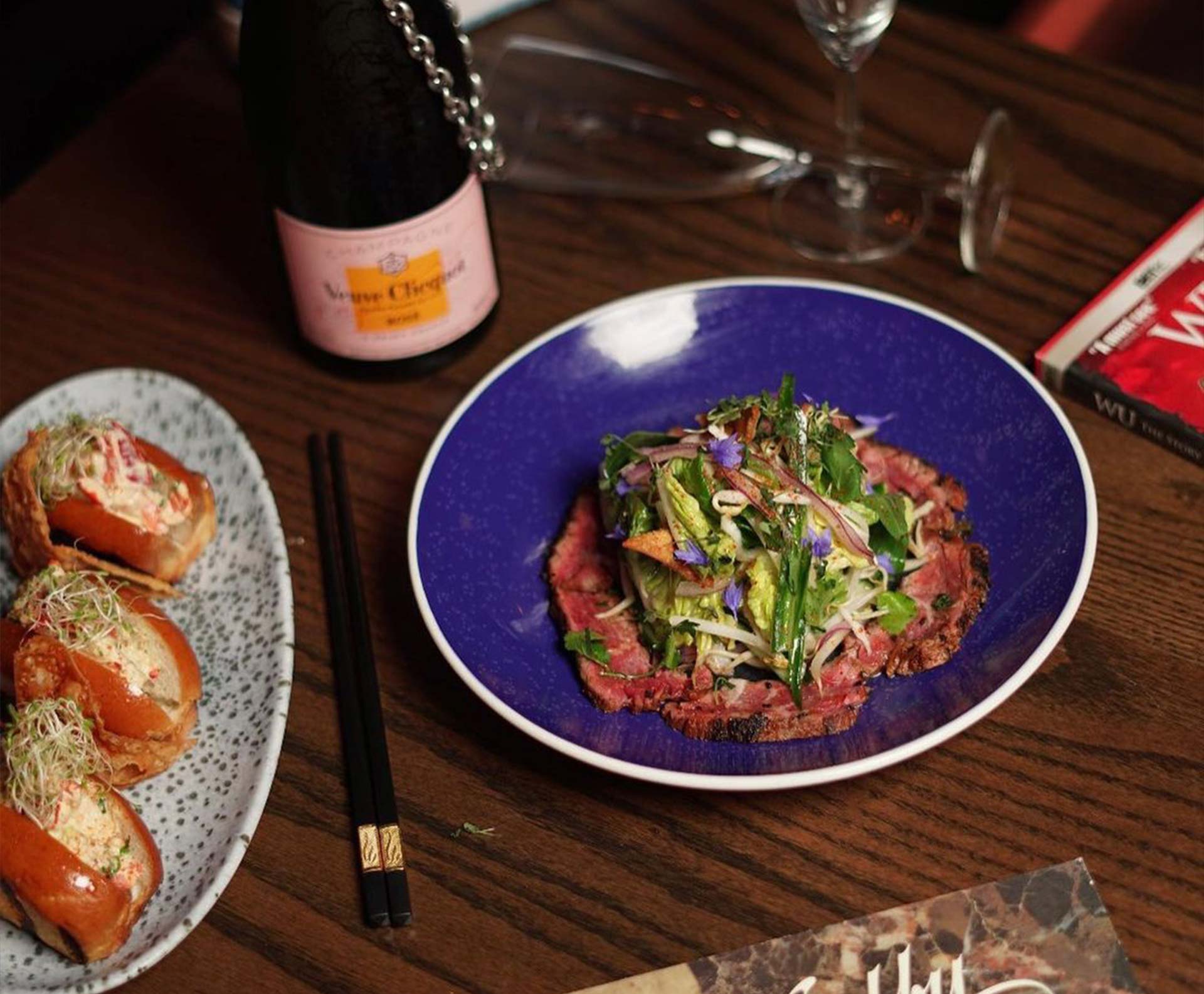
In Old Montreal, just south of the Financial District, sits The Farsides. Brought to you by John Edward Gumbley (Bord’Elle) and the Jegantic team, the Farsides is an edgy new take on the restaurant and bar scene. Our blend of culinary styling sets the exotic far eastern flavours of Thailand’s shores crashing into the far Western Beaches of Hawaiian cuisine. The result of this fusion is something we like to call Thaiwaiian. A sumptuous combination of authentic Thai and Hawaiian delicacies, merging familiar flavours with elevated function.
Not only do we consider the Farsides to be a unique take on cuisine, we also aim to please with a brand new re-imagining of the Tiki bar concept. Our mixology program features no less than a dozen modern interpretations of classic cocktails you would normally only expect to find on the Islands.
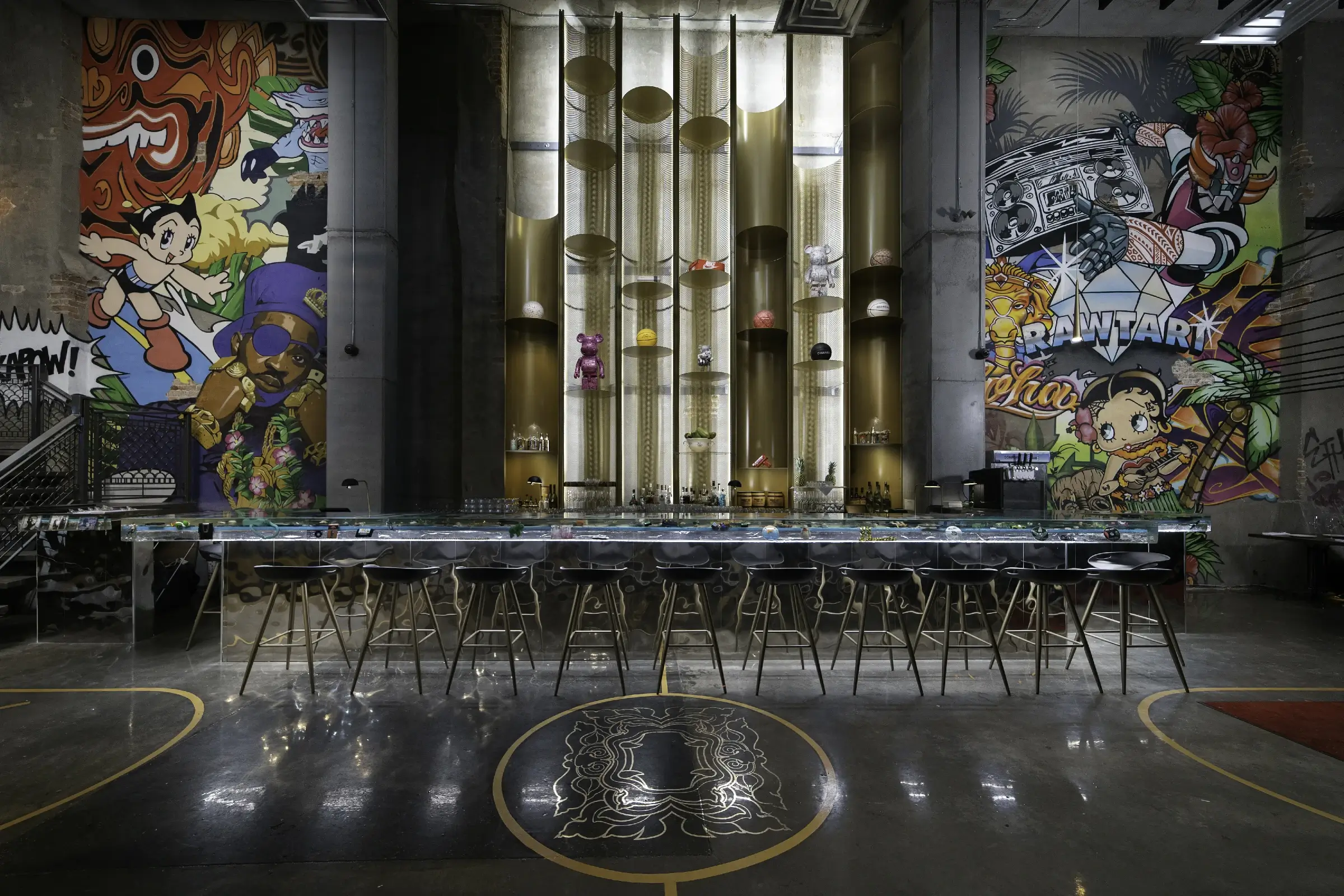
Stepping into the Farsides will be like walking into our version of an alleyway in Brooklyn circa 1992. Complete with brick walls as high as the eye can see, fire escapes, graffiti laced facades and believe it or not our very own hand painted basketball court. Add a touch of the exotic with jungle like overgrowth set to the beat of 80’s & 90’s hip pop and nostalgic memorabilia from the golden age of rap and what you’ll find is The Farsides. Montreal you might not know us but we know you very well.
Blog
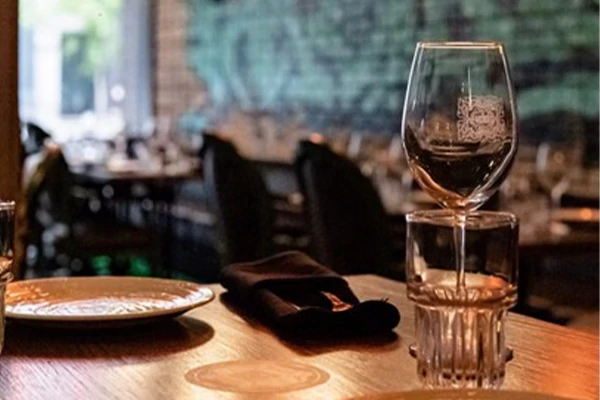
As Valentine's Day approaches, it's time to think about the perfect way to celebrate love, and what could be better than a memorable evening at Farsides? Located in the heart [...]
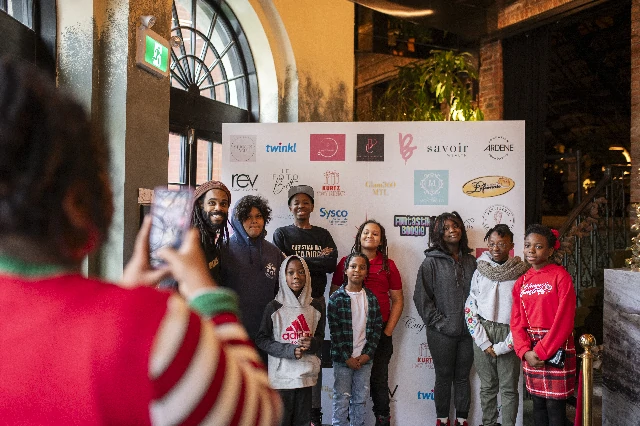
As the holiday season sparkled in our vibrant city, where culinary delights blended seamlessly with the warmth of community, we are thrilled to share something truly special with you. At [...]
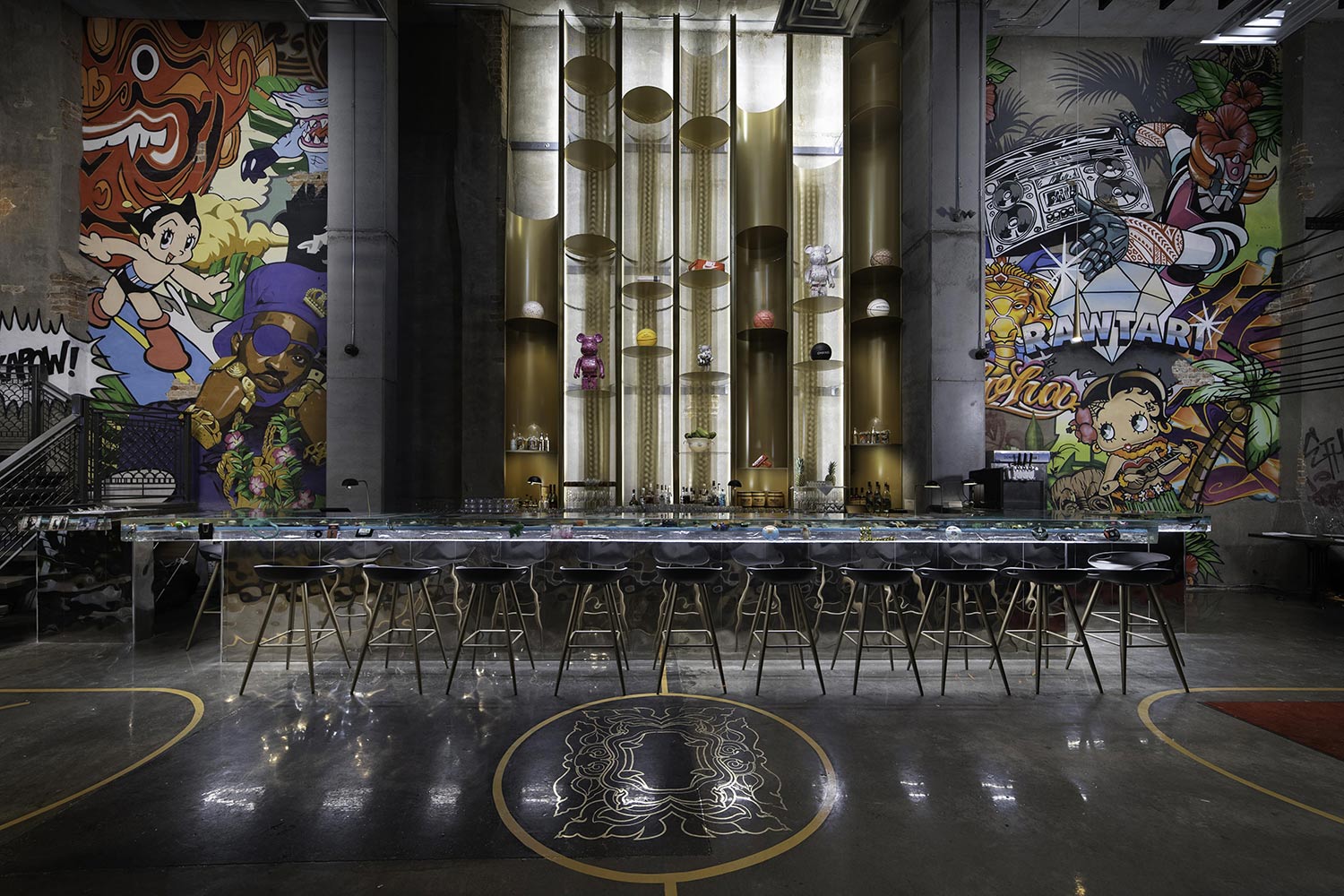
In the heart of Old Montreal, just south of the bustling Financial District, a unique culinary gem named The Farsides emerged. Founded by John Edward Gumbley and the Jegantic [...]
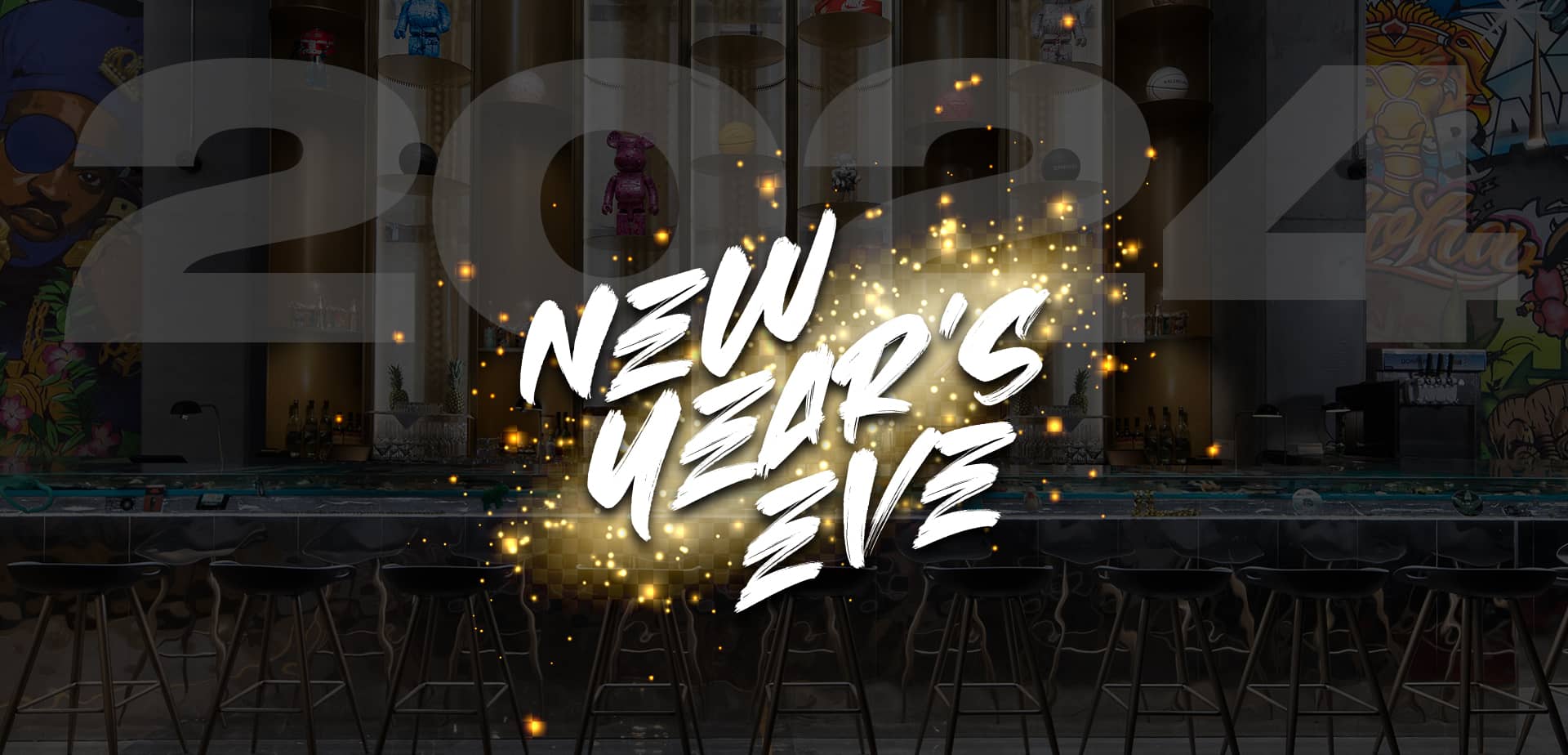
As Montreal's winter chill sets in, there's a place in the heart of the city that promises to transport you to a warmer, vibrant world this New Year's Eve – [...]
Make A Reservation

Keep up with JEGANTIC Hospitality
By signing up, I agree to Jegantic’s Terms of Use and Privacy Policy.